


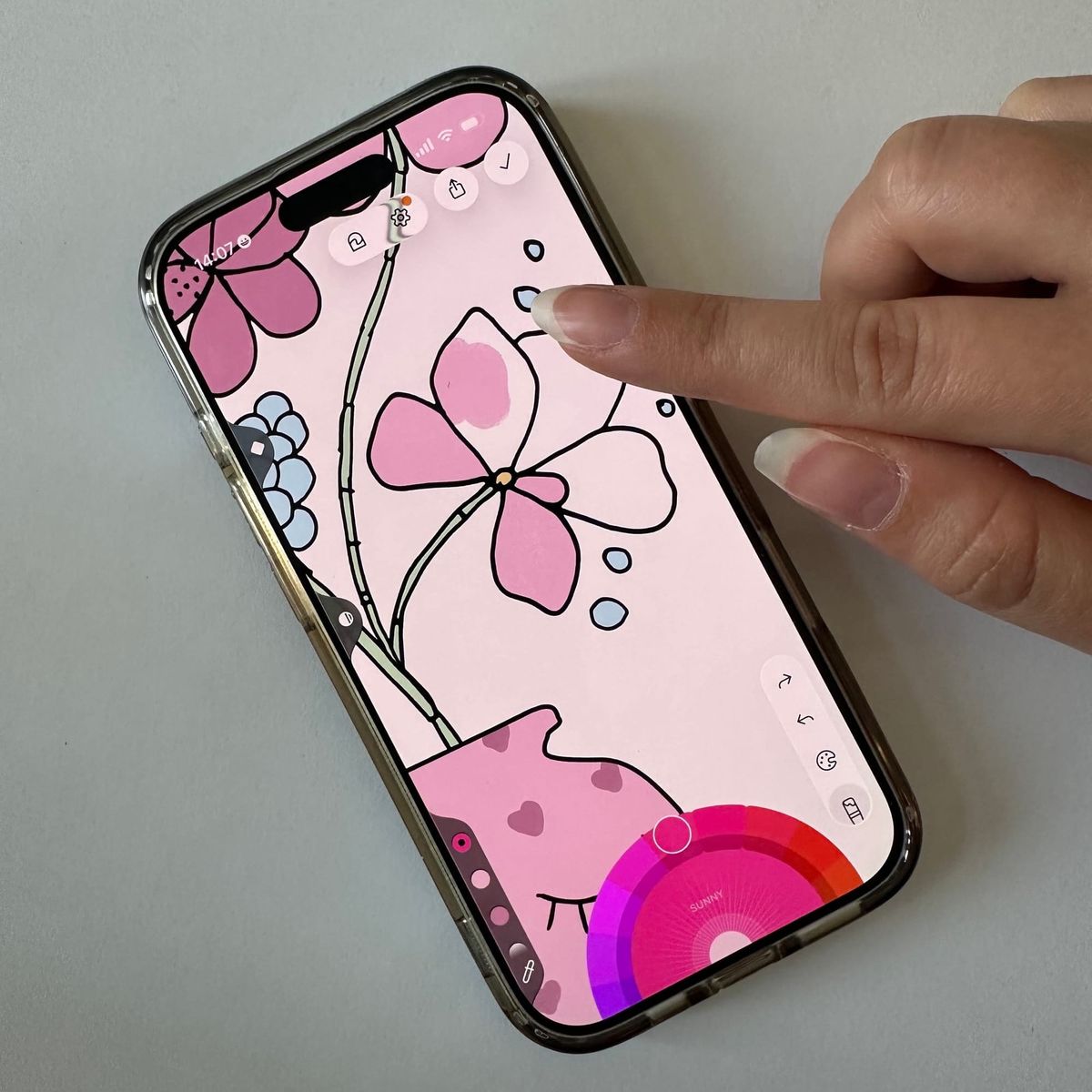
Whenever we start talking about digital coloring, we always see the tablet in front of us. Nothing better than having a big screen with lots of space and being able to access all the little details without even having to zoom in.
I agree. I own a couple of devices (because Lake has to work on all of them and it has to be thoroughly tested) and my go-to is the largest iPad I have. But truth be told, if I looked at my screen time spent in Lake, I'm pretty sure the winner would not be the obvious one. It would be the iPhone.
Now let me elaborate.
Why iPhone Coloring Deserves More Credit
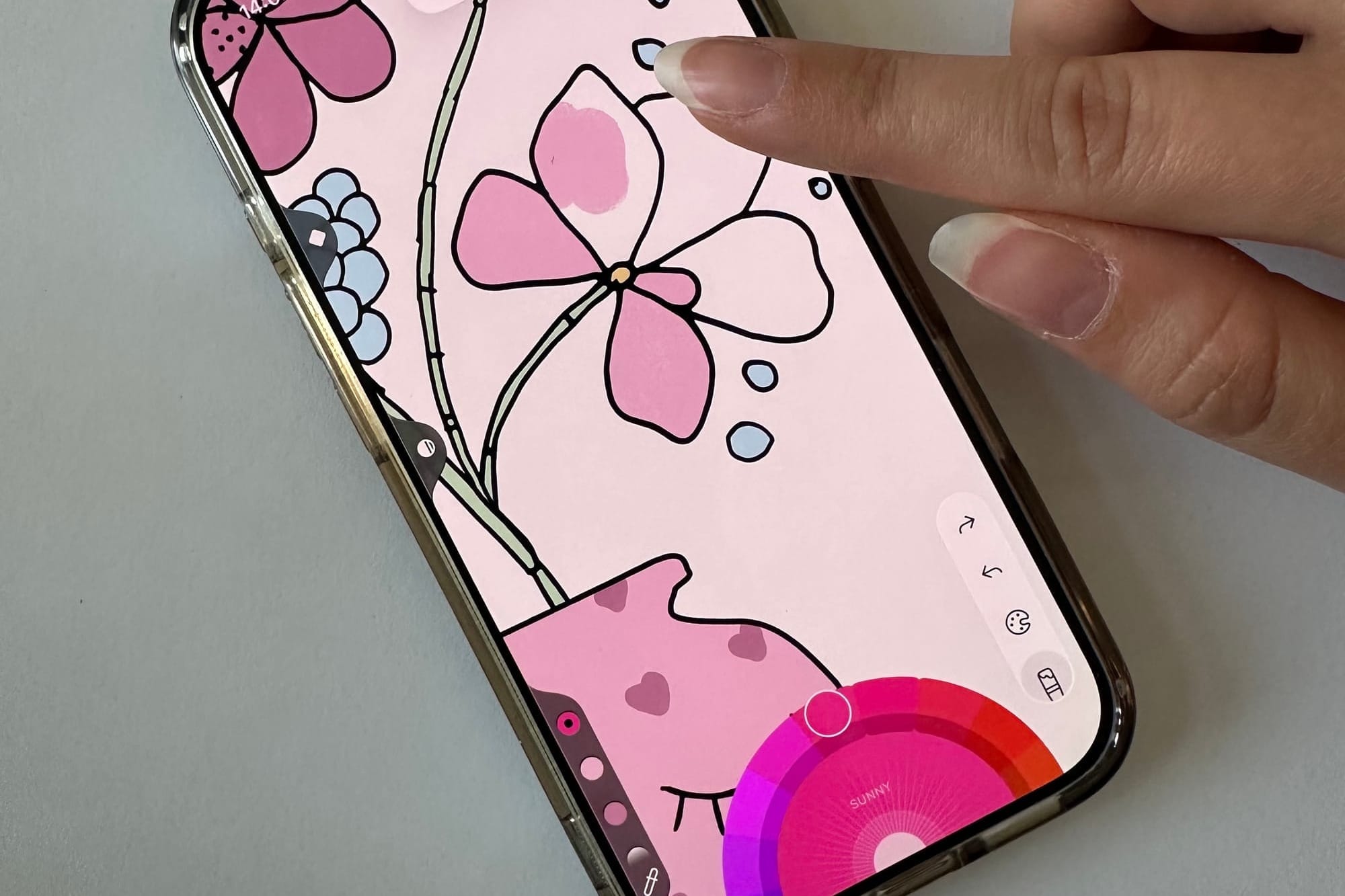
A lot of people searching for a coloring app for iPhone assume they'll feel limited by the smaller screen. And yes, it's different from the iPad experience. But "different" doesn't mean "worse", it just means you color differently.
The iPhone is actually the perfect on-the-go coloring companion. No Apple Pencil needed. No bag to carry. You unlock your phone, open Lake, and within seconds you're in that calm, focused headspace that mindfulness coloring is known for. Research backs this up too: even just 10 minutes of coloring has been shown to reduce anxiety and help you practice presence - the same benefits as a short meditation session.
Think of iPhone coloring as your stress relief in your pocket. A fast, always-available reset button for your mind. The alternative, which is usually opening social media or news apps, leads somewhere very different. Coloring on your phone is one of the most underrated ways to interrupt that doomscrolling spiral and actually feel better.
The Device That's Always With You
I take my phone with me everywhere I go. It is my wallet, my map, my connection to the world. If I could actually use the driving license on my phone, I would ditch the wallet entirely and immediately.
Besides that, I often find myself in places where I'm stuck with no iPad - just my phone.
I come to pick my son up from soccer practice and arrive too early. I have to wait. I have my phone and I start coloring.
I have a doctor's appointment that is usually on time, I forgot my book, they're running late. But I have my phone and I start coloring.
I get a flat tire and now I have to take the bus home. No entertaiment with me. But I have my phone and I start coloring.
You get the point.
Coloring on iPad is great for the evening wind-down. When I lay on the couch and try to clear my mind before going to sleep. Or when traveling and coloring on a plane. Or when taking a day off and chilling by the pool.
Coloring on iPad with the Apple Pencil makes me relax, feel happy, feel creative.
But for all those unplanned moments? I love coloring on iPhone. It fixes my mood immediately, it stops me from doomscrolling, and it's always with me.
Tips for Coloring on iPhone
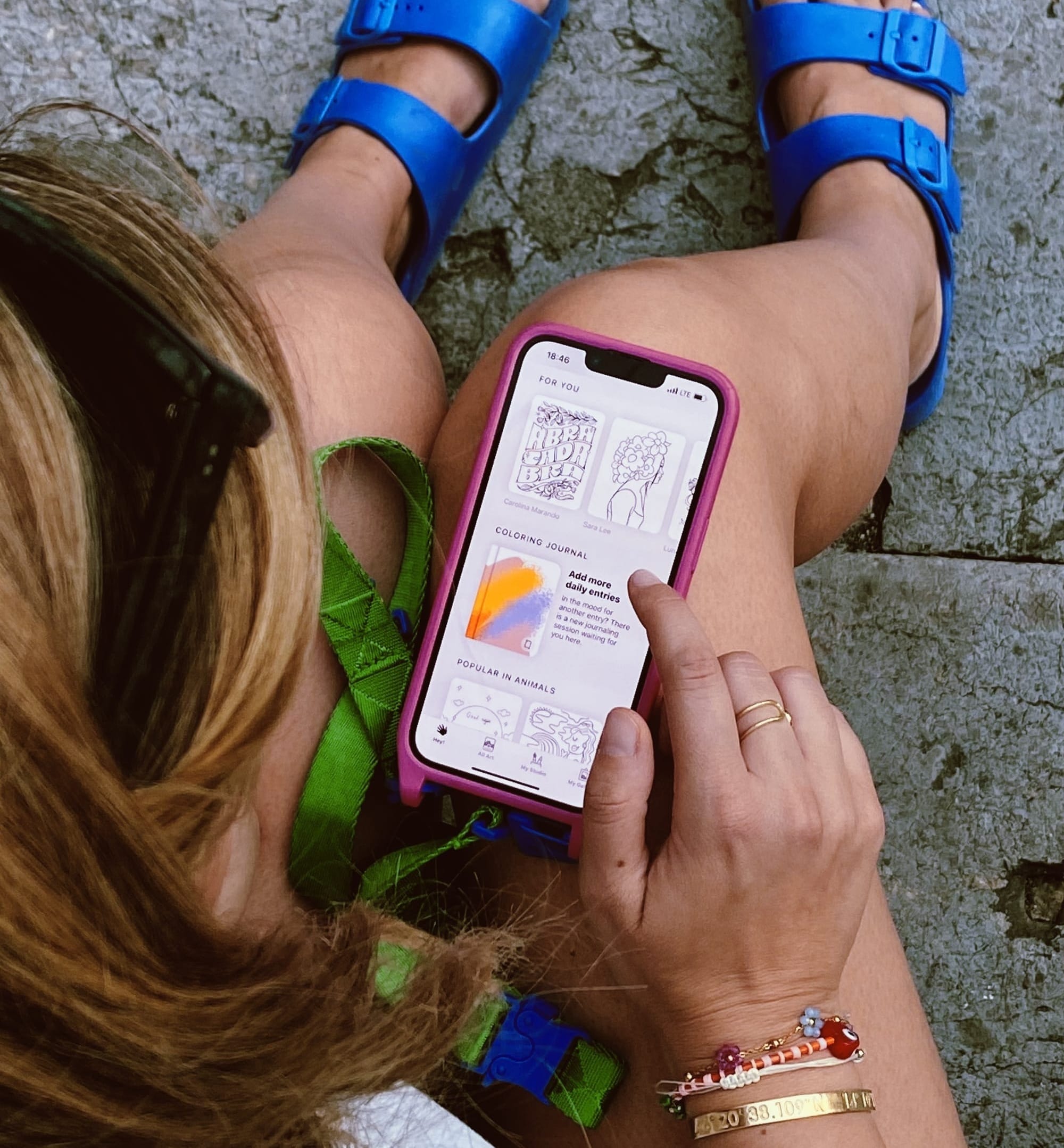
Here are some tricks to help you enjoy coloring on a smaller screen:
- Pick the right drawing
I prefer to select something with medium complexity. If it has too many tiny details, it starts to feel frustrating. If it's too simple, I end up wanting to add details - which is harder to do with a finger. Somewhere in between works perfectly.
- Stick to a selected palette
While I love discovering all the colors in the world with the color picker, I don't use it much when coloring on my phone. I much prefer picking one palette and using it for the whole drawing. It keeps decisions simple and the result surprisingly cohesive.
- Zoom is your best friend
I really don't have much to add here - just use it without limits. Zoom in, zoom out, zoom in again. It's what makes finger coloring on iPhone actually work.
- Focus on enjoyment, not perfection
Sometimes I deliberately leave the lines a little open on iPhone, making a not-so-perfect artwork - and honestly, that's part of the fun. Letting go of the perfect outcome and enjoying the process is what mindful coloring is really about. The screen is small. The joy doesn't have to be.
- Use it as a doomscrolling replacement
Next time you find yourself reaching for your phone out of boredom or habit, open Lake instead. Five minutes of coloring will leave you feeling better than five minutes of social media scrolling. That's not an opinion - it's something you'll notice yourself, quickly.
The Best Surprise in Your Pocket
If you haven't tried a digital coloring book on iPhone before, or if you dismissed it as "not as good as iPad," I'd invite you to give it a proper chance. Take it to your next waiting room, your next commute, your next unexpected 10-minute gap in the day.
You might be surprised. I certainly was. Coloring on iPad will always be my favorite way to create something beautiful and intentional. But coloring on iPhone? That's how I stay sane.
And the phone is already in your hand. Now you just need to download Lake and start coloring.