

If you haven’t read how we came to develop the One finger Pan and Zoom, a quick recap: We noticed a few users with disabilities having a difficult time coloring and navigating through Lake, and one of them was also Ana. For her, creativity takes many forms. There's writing a novel, creating videos for her YouTube channel Rolling With Ana, and, more recently, digital coloring.
There's also perfectionism.
"When creating art I am a bit of a perfectionist," she told us. When something doesn't turn out the way she pictured it, frustration can quickly creep in. But creating more has also become a way of learning to let some of those expectations go. It's a relationship with creativity that will probably sound familiar to a lot of us.
But as someone with cerebral palsy, Ana has also encountered another kind of frustration when creating: sometimes, before you can focus on the thing you actually want to make, you first have to figure out how to make the tools work for you.
Earlier this year, we had a few people who helped us test and refine One-Finger Pan & Zoom, an accessibility feature that lets people navigate the Lake canvas using on-screen controls and a single finger, Ana was one of them.
We caught up with Ana to talk about creativity, accessibility, her experience testing the feature, and what it means when the tools you use require fewer workarounds.
Finding creativity and Lake
When you're writing or coloring, how does it feel for you compared to other everyday activities? Does creating art give you a sense of freedom or a different way to express yourself?
"When creating art I am a bit of a perfectionist and tend to want my writing and coloring to look a certain way, and when it doesn't I typically get frustrated. So creating more art is good practice for me to let go of the overwhelming expectations that it has to be perfect."
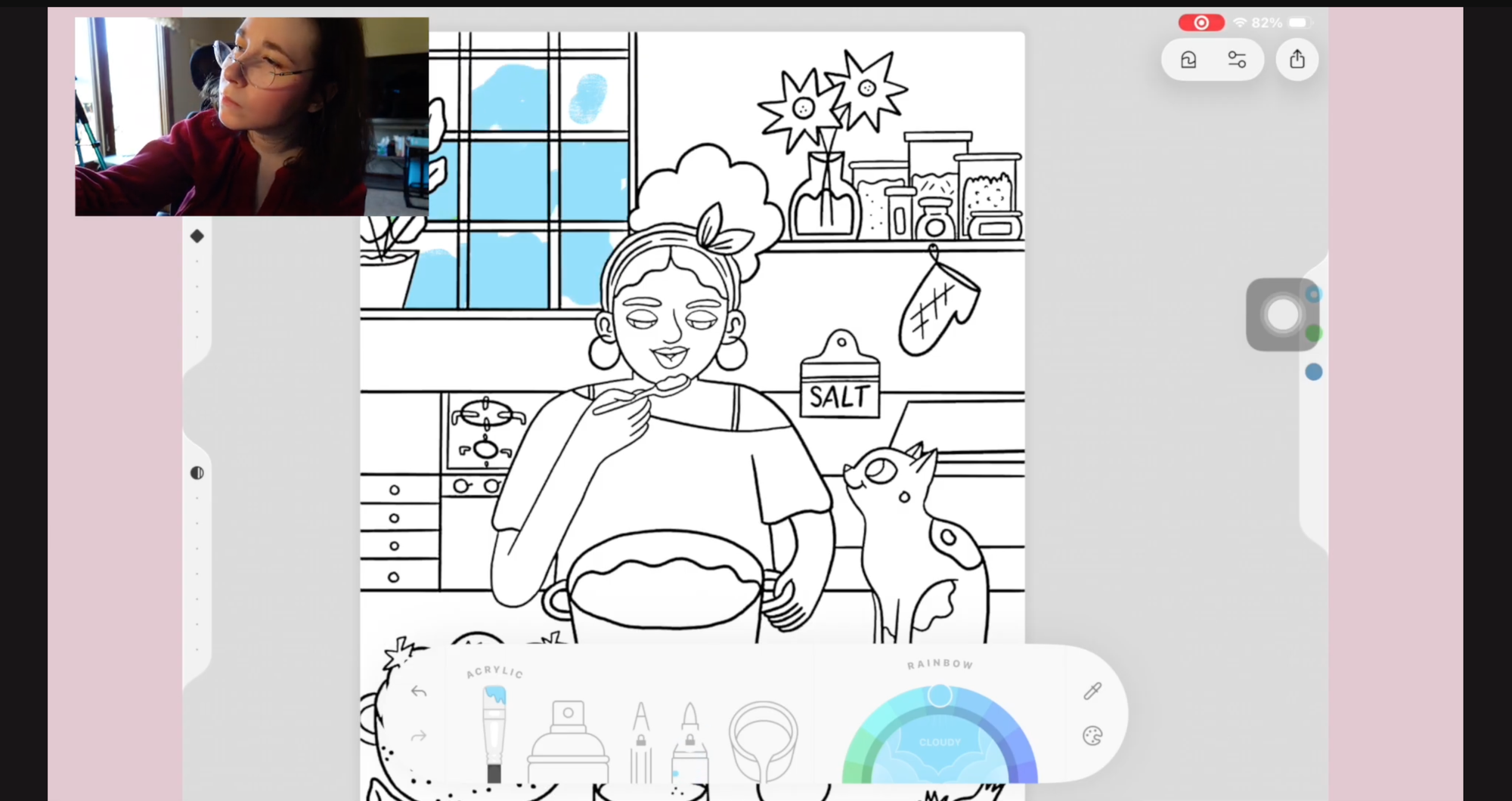
Creativity for Ana isn't necessarily about everything suddenly becoming easy. In some ways, it's a practice in letting go of control and making room for the imperfect.
Today, she has several creative outlets, including her YouTube channel, coloring, and working on her novel. Lake entered the picture almost by chance.
How did you first discover Lake, and what made you keep coming back to it?
"I found out about Lake through an influencer named Julia K Crist. Soon after I was working on a YouTube video about new hobbies to try and chose Lake's coloring app as one of the applications to try for the video."
That video eventually found its way to us.
In Trying New Hobbies: Digital and Traditional Coloring, Ana tried coloring in Lake on her iPad and shared some of the realities of finding hobbies that work with her disability.
We had recently heard from another Lake user with cerebral palsy who was struggling with something similar. Standard canvas gestures like pinching with two fingers to zoom or using multi-touch to move around the page could make coloring unnecessarily difficult.
Seeing two people encounter the same barrier made it clear that this was something worth looking at more closely. So we reached out to Ana.
From a YouTube video to beta testing
Our first prototype introduced on-screen controls for moving and zooming the canvas, removing the need for multi-touch gestures. We asked a few of our Lake users to test different iterations over the following months, sharing feedback and videos of how they actually used the feature.
You were one of the first people to test One-Finger Pan & Zoom while it was still in development. What was that experience like, especially compared to coloring without this feature?
"Thank you for the opportunity to be one of the first people to test this feature. The One-Finger Pan & Zoom took time to get used to because I am used to zooming in with both fingers; however, it was a great addition and helped keep my coloring cleaner."
That detail - the fact that it took some getting used to is important too. Accessibility isn't necessarily about replacing one way of doing something with another. It's about giving people options so they can find the interaction that works best for them. And figuring out what those options should look like required something we couldn't get from designing in isolation: watching people actually use them.
Their feedback helped us refine details such as where controls should sit and how the interactions should behave when fine motor control isn't always reliable.
Seeing your feedback become something real
Many people share feedback with apps but never get to see it shape the final product. What was it like to see your feedback reflected in a feature that's now available to everyone?
"It has been a great experience seeing my feedback come to life, and to be able to help a company that is actively trying to make a difference and accommodate the disability community. Being chosen to test this new feature meant a lot."
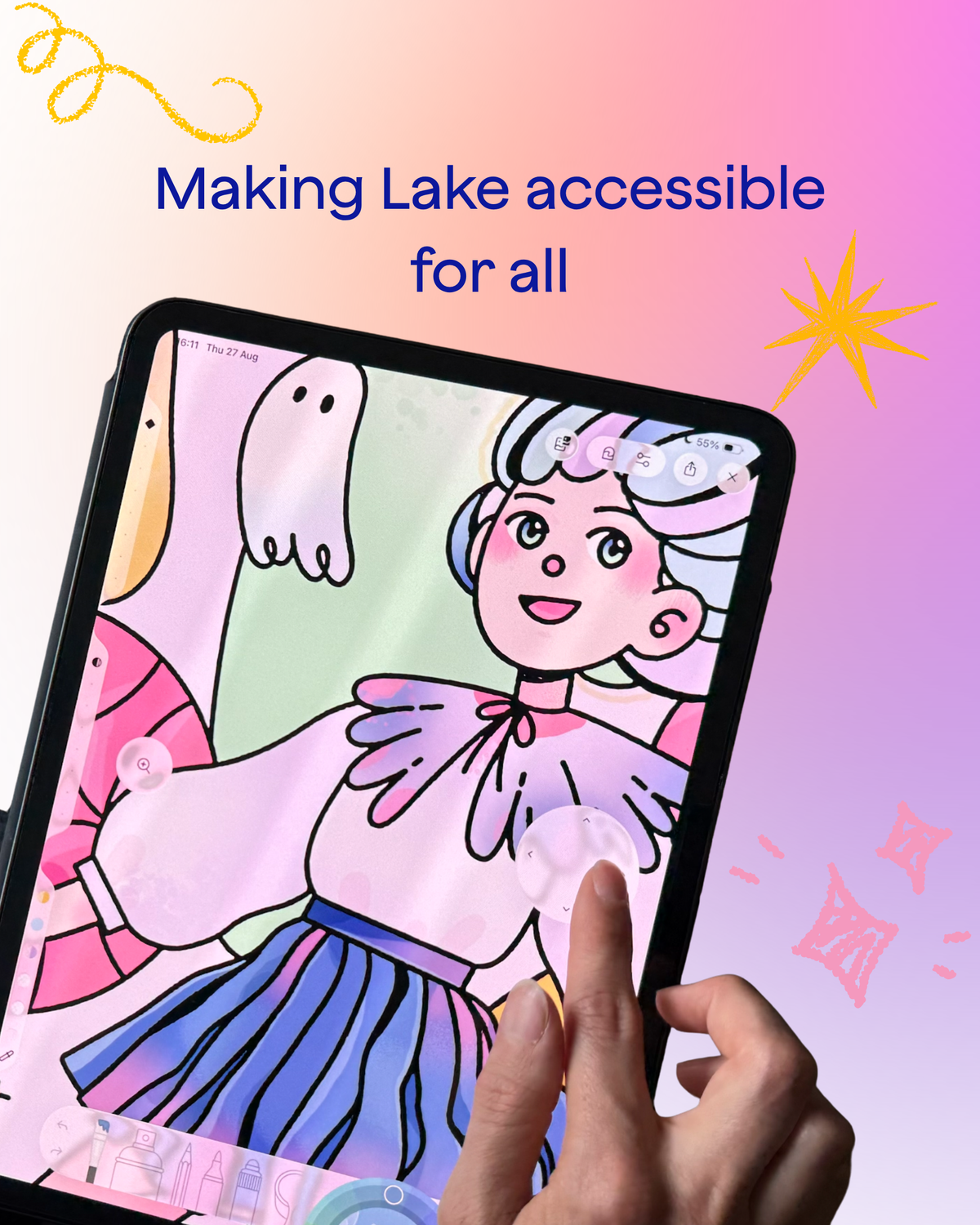
One-Finger Pan & Zoom was released on iPad in July 2026. It can be turned on in Lake's coloring settings and allows people to move and zoom around any coloring page using on-screen controls with one finger.
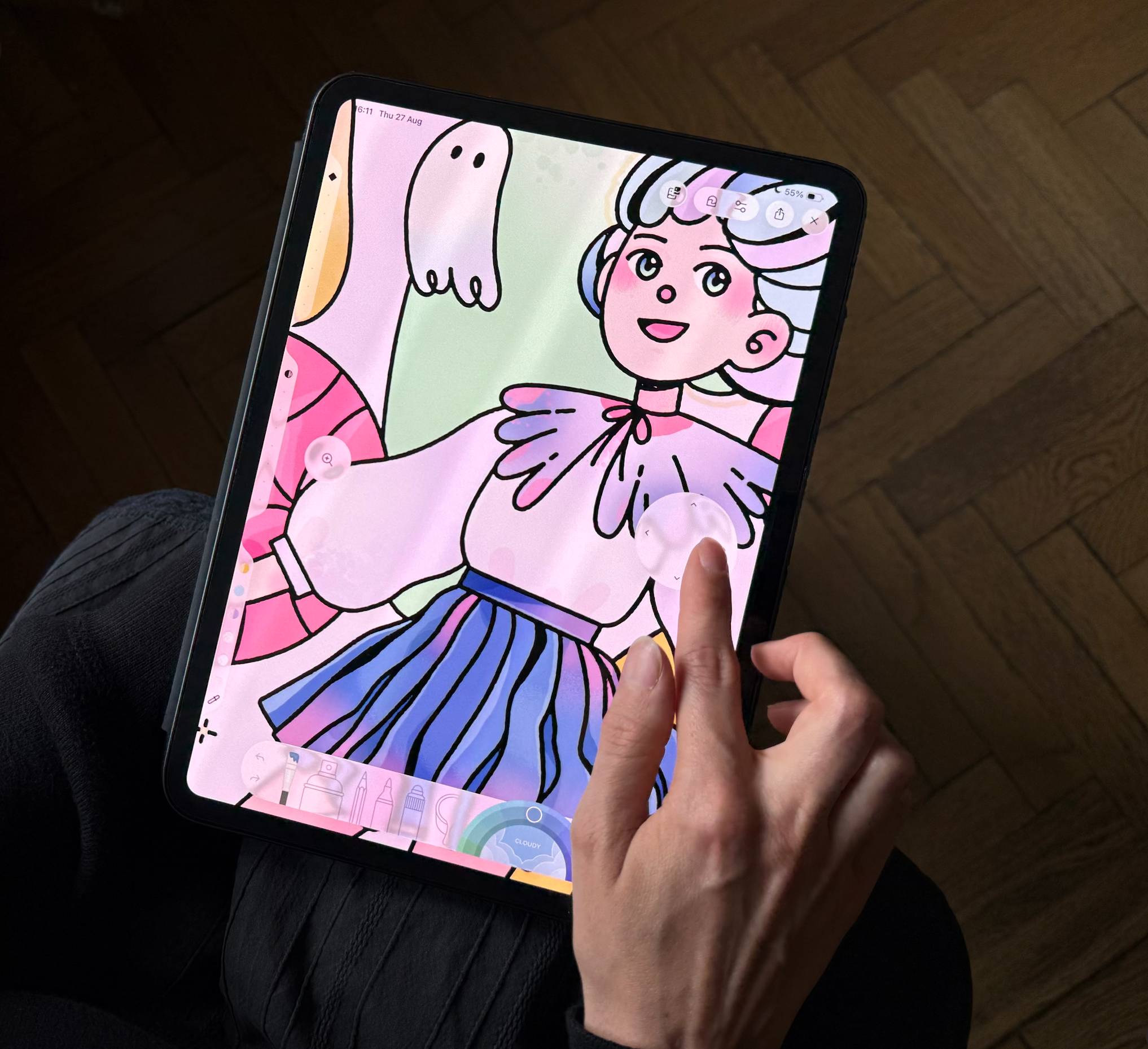
For us, Ana's contribution wasn't about asking one person to tell us what "people with disabilities" need. In fact, one of the biggest lessons from talking to her was almost the opposite. There isn't one accessibility solution.
One tool can't fix it all
What do you wish more app developers understood about designing for people with disabilities?
"My advice to people designing for people with disabilities would be to create different accessibility tools for all the disabilities because everyone's situation is unique and one tool can't fix it all. I know it would be expensive but the benefits would outweigh the cost."
It's easy to talk about accessibility as if it's a checklist. Add an accessibility feature, tick a box, move on. Real people don't fit neatly into those boxes. People see, move through, and interact with an app differently. Something that removes a barrier for one person might make no difference at all to someone else.
It's also why accessibility isn't only about dedicated accessibility features. Sometimes it comes down to the fundamentals of how an app is designed.
What makes an app feel good to use?
Looking beyond accessibility, what makes an app enjoyable enough that you genuinely want to come back to it again and again?
"The things I look for in an app that I come back to again and again are simplicity, more visual aspects rather than dialogue or story telling, color contrast, and the apps have medium or large sized icons/text making it easier to click on and navigate throughout the app."
It often comes down to the basics: a simple interface, clear visuals, readable text, and controls that are easy to use. None of those things sound particularly groundbreaking. But thoughtful design often isn't.
The difference between an app being technically usable and genuinely comfortable to use can live in dozens of small decisions like these. And when those decisions work, something else can happen: the technology starts demanding less attention.
Creating instead of adapting
Do you think accessible creative apps can help people with disabilities feel more included - not just by making art easier to create, but by making creativity itself more accessible?
"I do believe that making art itself more accessible would benefit people with disabilities due to the fact that it would help even the playing field and remove the stigma that we are different and can't create art because of our disability."
Then Ana said something that gets to the heart of why features like this matter:
"Making art more accessible would help people with disabilities focus on creating art rather than figuring out how to adapt it to fit their needs."
You can turn on the One Finger Pan and Zoom in the coloring setting.
There will always be choices involved in creating. Which color? Which brush? What should this story become? Is this finished or does it need one more tiny adjustment? Figuring out how to physically operate the tool shouldn't have to be one of them.
Finding what brings you joy
We ended by asking Ana what she hopes people might take away from her story.
"One thing I hope people can take away from my story would be for people to find their creative passion and what brings them joy. It will be a long journey ahead, not everything is going to work out but trust it will happen at the right time."
"It took me a while to trust the process but I found my creative outlets through my YouTube channel, Lake's coloring app, and writing my novel."
Maybe that's a fitting place to leave this story too. Find what makes you want to create. Accept that it won't always turn out exactly the way you imagined. Find the tools that help you do it your way and keep creating.
We're incredibly grateful to Ana for the time, openness, and feedback she shared with us throughout the development of One-Finger Pan & Zoom.
You can follow Ana's journey - from everyday life with cerebral palsy to her goal of becoming a published author - on her YouTube channel, Rolling With Ana.