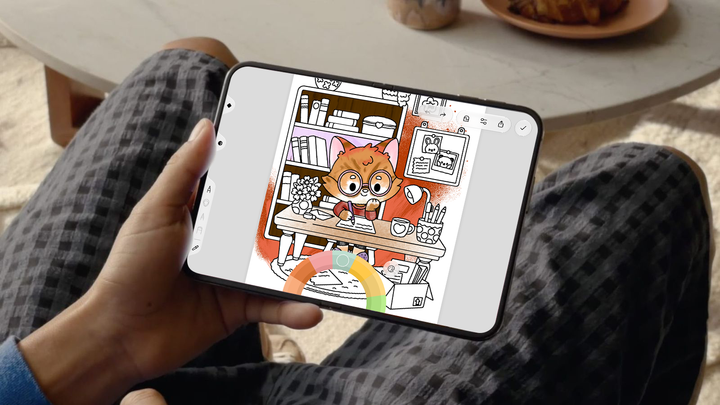
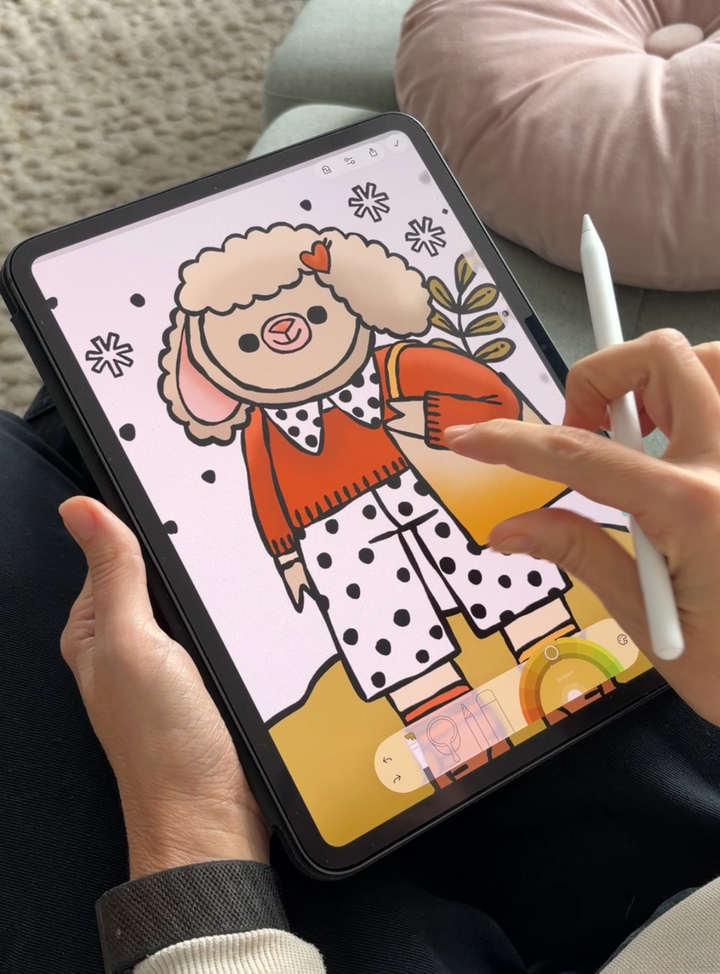
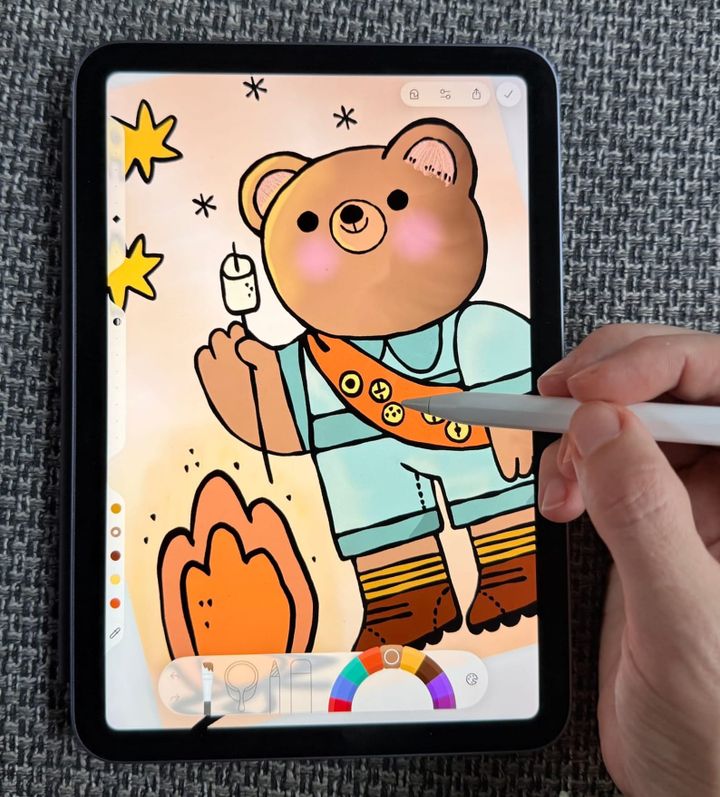
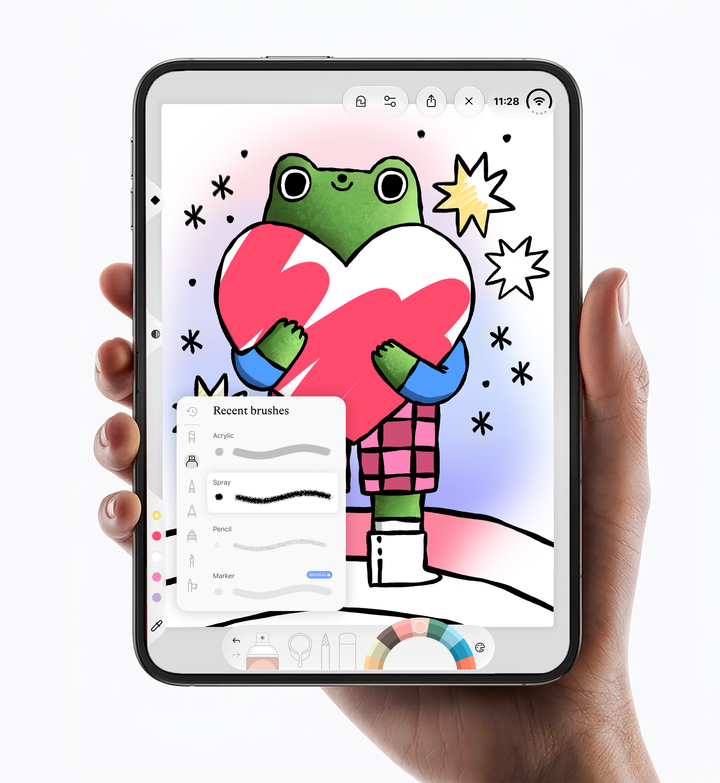
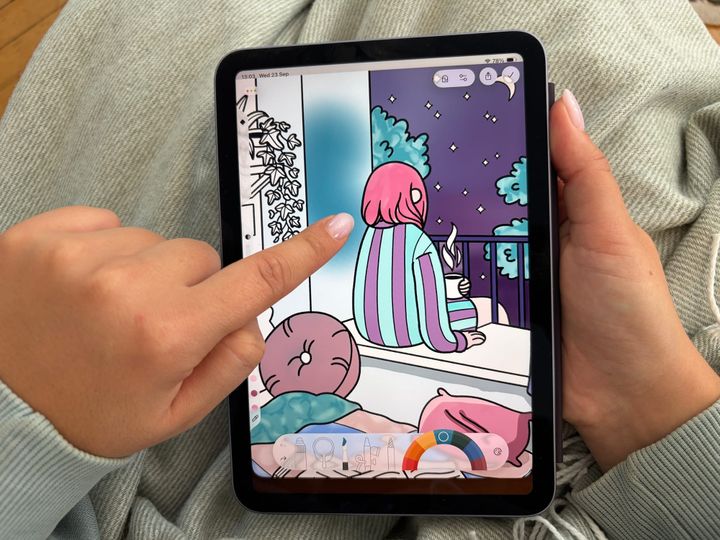
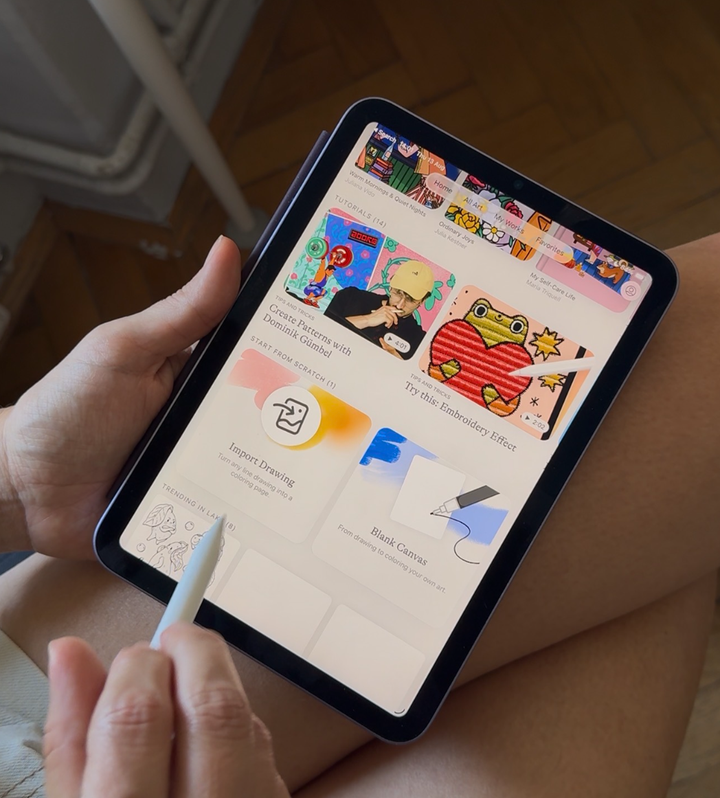
From pumpkin spice season to the lazy days after New Year, Lake is my favorite cozy app for slowing down. Here’s how I color on my iPhone, iPad and the new iPhone Duo, and which device I reach for in every cozy moment of the season.
Every week I see the same Reddit post: "Just got an iPad, want to try digital coloring, no idea where to start."
So here's my answer: 9 simple tips for beginners, no art background needed.
Wondering which apps I'd download on the iPhone Duo? From coloring on a bigger screen to finally having a practical way to read in bed, here are the three apps I'd go for first: Lake Coloring, Tiimo, and Amazon Kindle.
I own an Apple Pencil, use it often, and still think some of the best colored pieces I've seen in Lake were done with just a thumb. Here's the honest breakdown - plus what's changing for iPhone coloring with the launch of iPhone Duo.
Part two of the cozy iPad games list! Featuring Lake Coloring, relaxing coloring game, Is This Seat Taken, a weirdly charming seating-puzzle game, and Elnea Kingdom, a farming game giving me full RuneScape nostalgia.
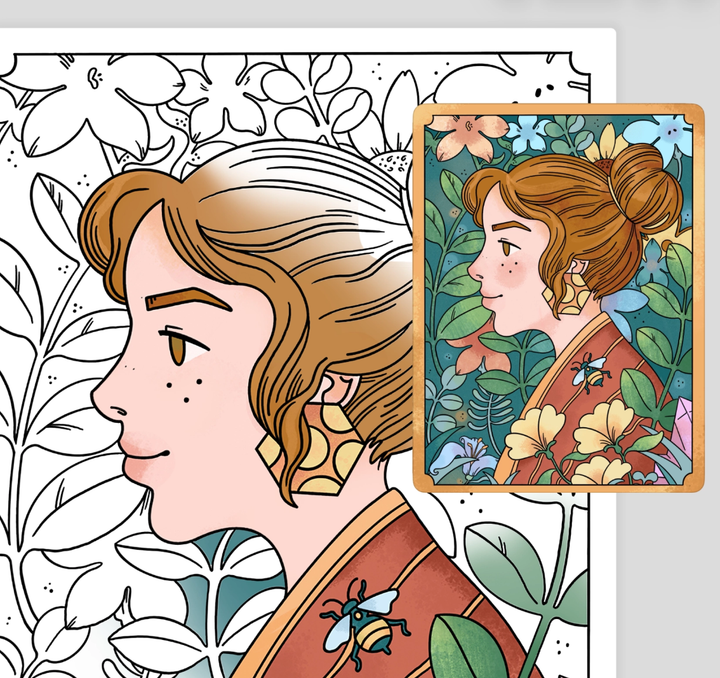
Ever found a coloring page you love, only to stare at the blank version and wonder, “Okay... where do I even start?” Recreate gives you a little help: see how the artist colored it, borrow their colors or techniques, or simply use it for inspiration.