


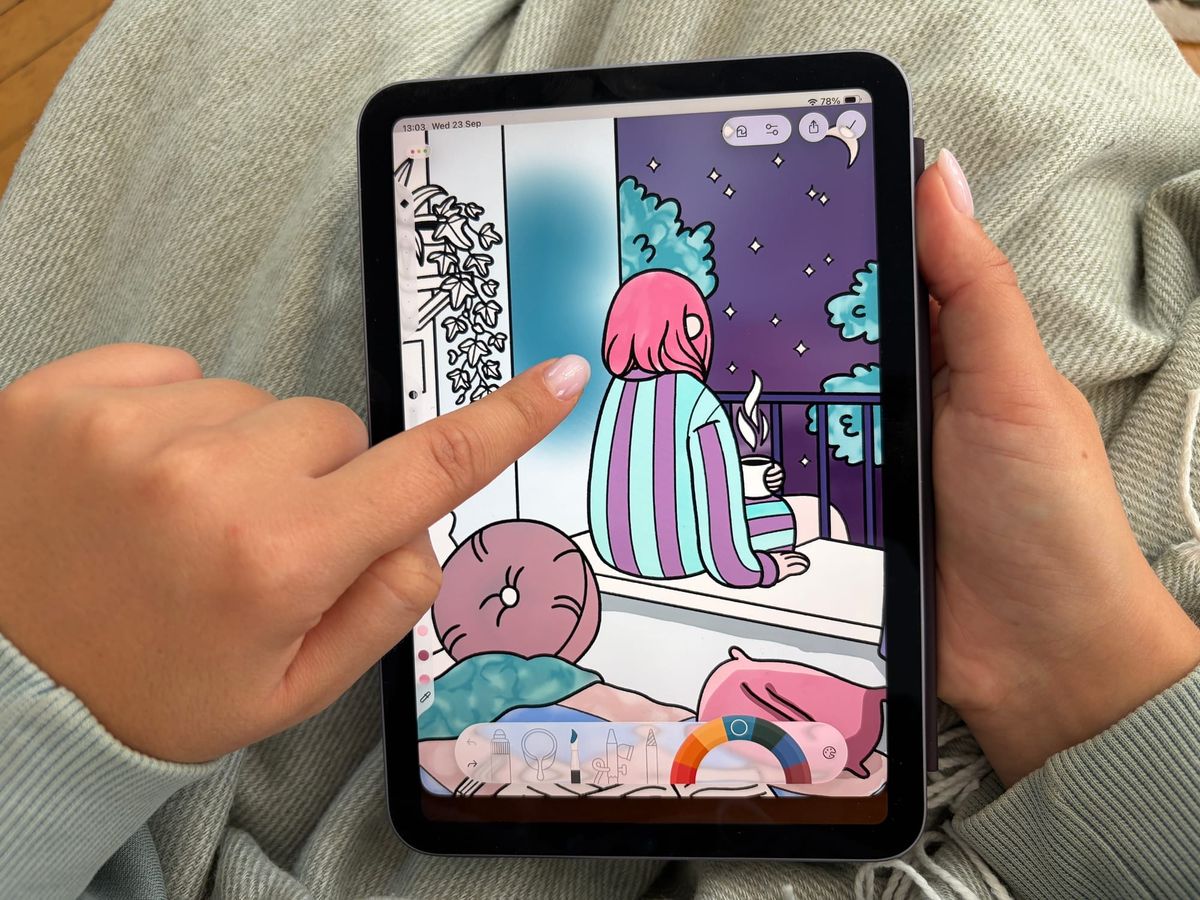
As someone who's been in app development for years, I've heard "do I need an Apple Pencil to color digitally?" more times than I can count. My answer has always been clear: no, you don't.
I own one, I use it often, and I still think some of the best colored pieces I've seen in Lake were done with nothing but a thumb.

Until now, the Apple Pencil simply didn't work on iPhones - only iPads. That changes with iPhone Duo, and we'll get to exactly what that means a bit later.
But first, let's settle the question everyone's actually asking: does coloring with a Pencil on iPad beat coloring with your finger on iPad?
Where the Apple Pencil actually helps
The Pencil does make some things easier. Here's where you'll actually notice the difference:
- Less zooming, more precision.
With a Pencil, you can work on fine detail without zooming in as much, because the tip is already precise enough. With a finger, you'll zoom in more often to get the same result. - Easier to shade and add detail.
Drawing in small extra touches, for example a few extra lines or some fine shading on top of a color, is simply easier with an Apple Pencil point than with a fingertip. - Pressure-based shading.
Varying how hard you press to get a lighter or darker touch within one stroke is something a finger genuinely can't do. It's a real difference in feel, not just precision.
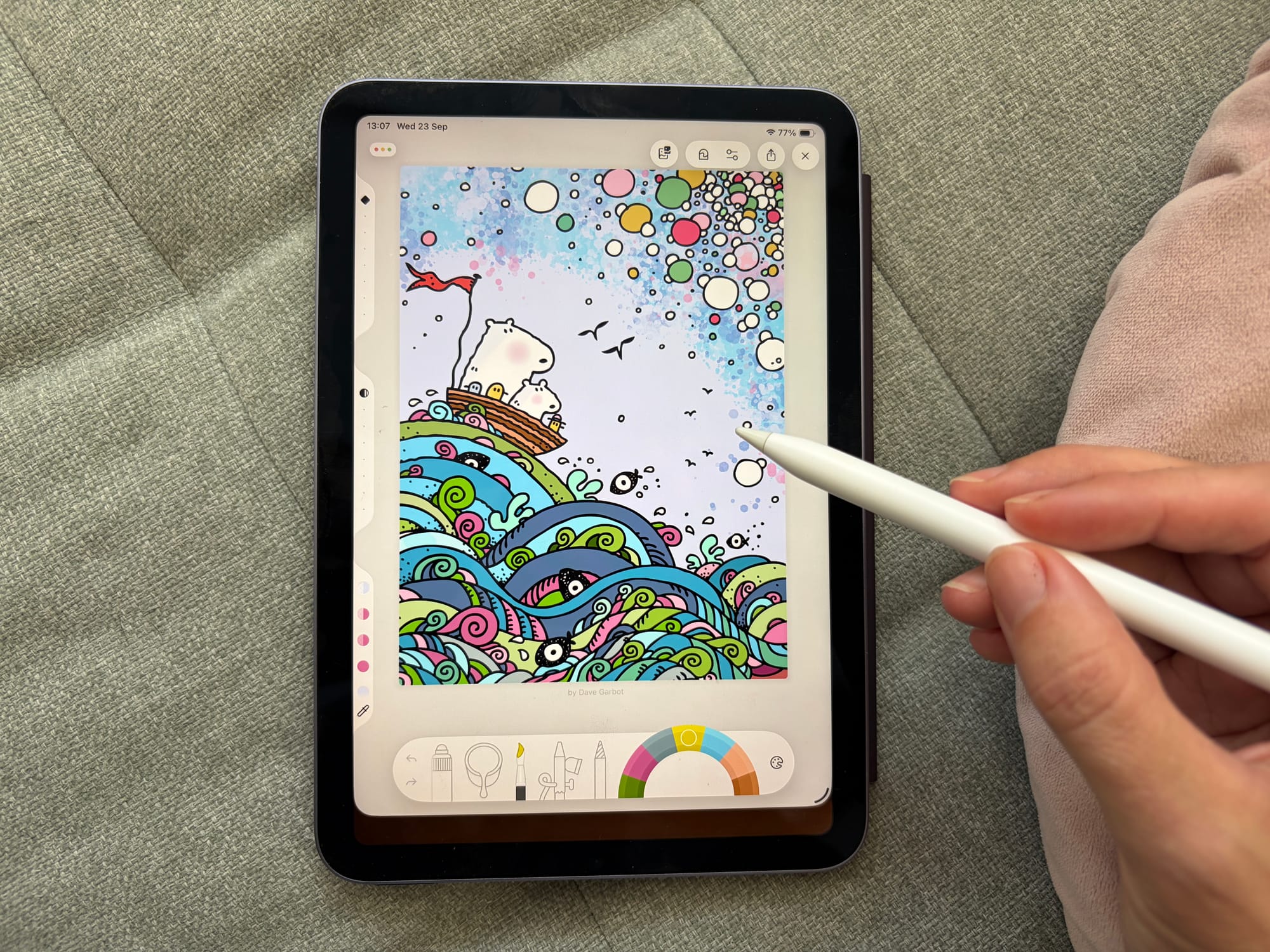
The Apple Pencil won't suddenly make your coloring better. You'll mainly notice it when you're working on small details or shading.
A few tricks for finger-only coloring
The good news: there are a few simple things you can do to make finger coloring easier.
- Zoom in more than you think you need to.
This is probably the easiest way to make finger coloring more precise. - Lean on the bucket tool.
Instead of carefully dragging color into every corner, let tap-to-fill do the precise work for you, and save your finger for the spots that actually need a manual touch. - Use the shortcuts.
A two-finger tap for undo, three fingers for redo - my favorite shortcuts that make life easier. They speed up a finger-only session and cost you nothing.
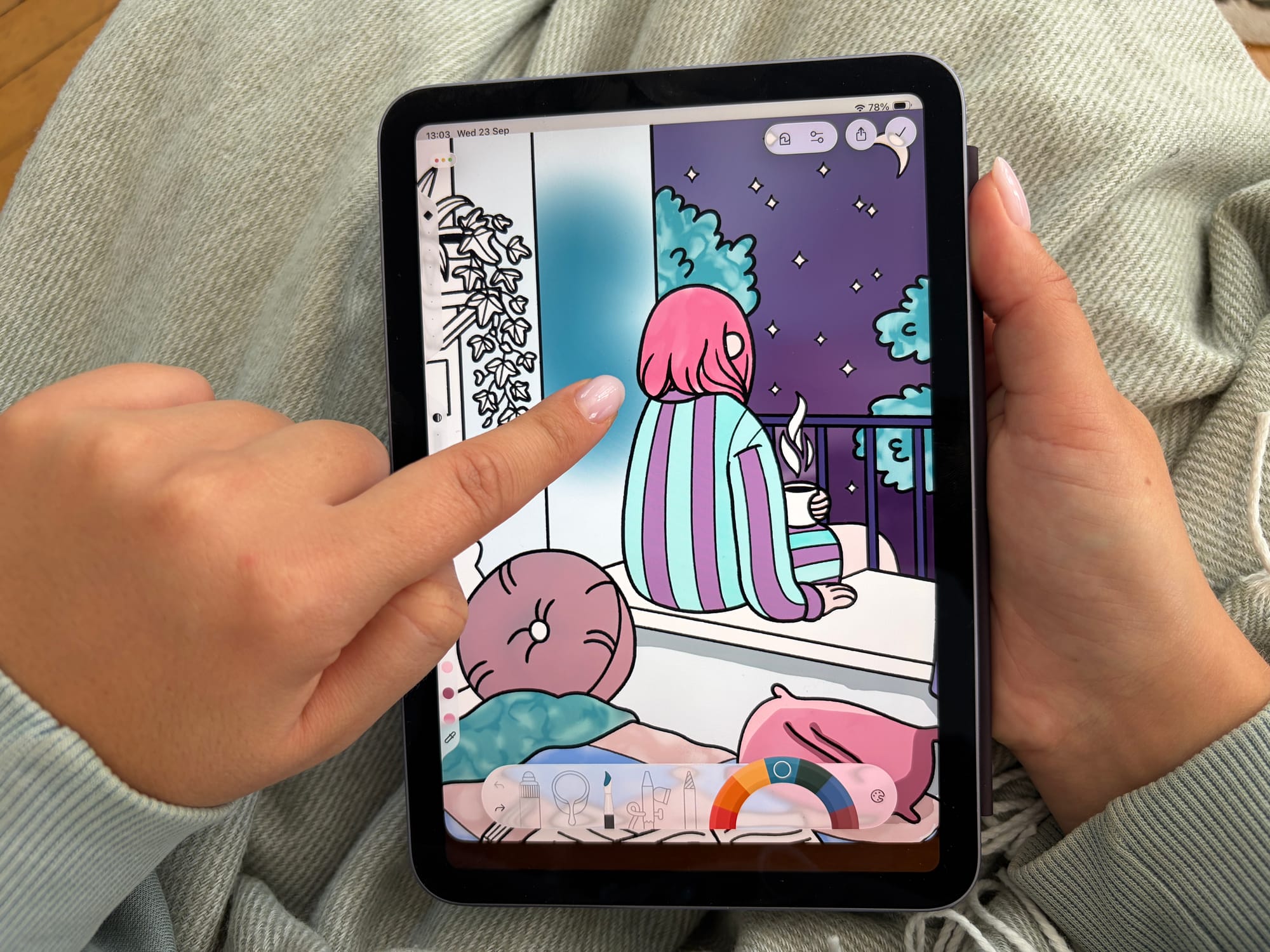
These won't make your finger as precise as an Apple Pencil, but they make a pretty big difference in everyday coloring. If you want to dig deeper on finger coloring on iPhone, we have you covered.
iPhone Duo: coloring on the go, finally on a bigger screen
This is the part I'm very excited about! iPhone Duo will launch on October 23 with a 7.6-inch foldable screen. That's the biggest coloring surface Apple has ever put in a phone, and for the first time, it opens up real, detailed coloring to people who don't necessarily own an iPad. You don't need a tablet anymore to sit down and actually work on a coloring page - your phone is enough.
And the foldable design makes a lot of sense for coloring. It fits in your pocket when it's closed, but gives you a much bigger canvas when you open it.
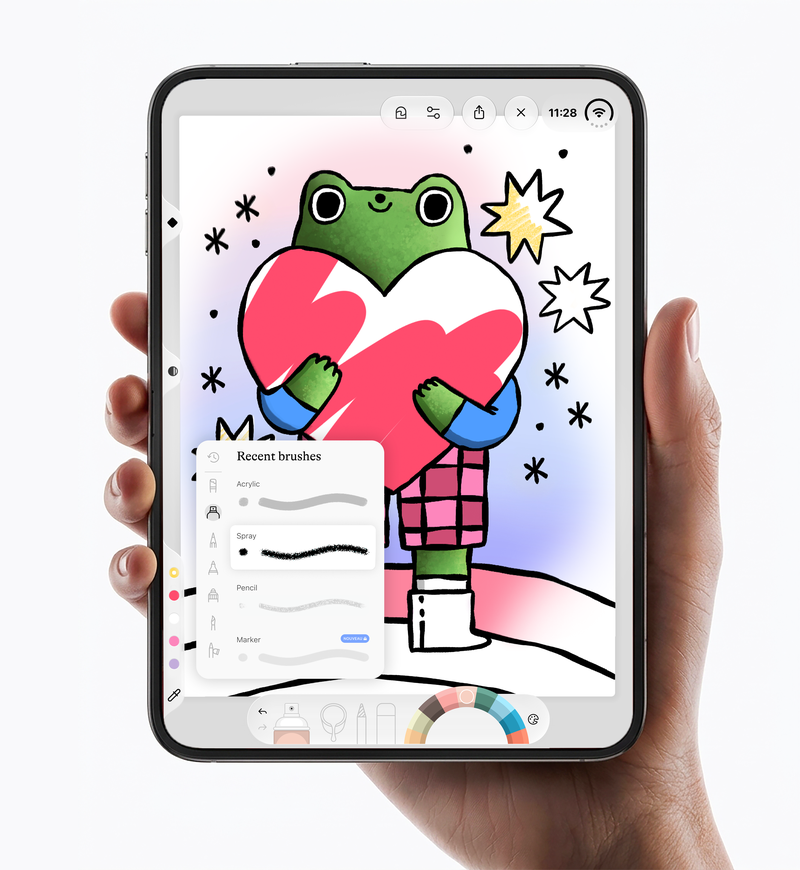
Apple Pencil support for iPhone Duo isn't live yet. Apple's said it's coming later this year as a software update, and once it lands, it'll work with the USB-C Apple Pencil. So for now, every Duo owner will be coloring with their finger. But we learned that's completely fine - those same tips work on the iPhone Duo, too.
Designed with the finger in mind
We've built Lake for every screen it runs on, and we make the most of each one. That's why we firmly believe Lake will be the coloring app people reach for most on iPhone Duo, too. The interface won't just be adapted to the bigger screen, but it's being built specifically for it. Pencil support will follow the moment Apple turns it on.
This isn't the first time we've built around a finger instead of a Pencil, either. A while back, a user with cerebral palsy asked us if there was a way to pan around the canvas with just one finger - pinch and two-finger gestures weren't working for her. That question turned into One-Finger Pan & Zoom, a feature that lets you pan and zoom with a single finger, no pinch required.
So when I say a finger is enough to color well in Lake, I mean it wholeheartedly. It's something we've actually built for, more than once 💕
If you've made it this far, you already know: you don't need a Pencil to start. Download Lake and see what your finger can do.
FAQ
Do I need an Apple Pencil to color digitally?
No, you don't need an Apple Pencil for digital coloring - your finger works completely on its own. And I say that as someone who owns one! The Pencil just makes a few specific things a little easier, like fine detail and shading. It's a nice-to-have, not a requirement.
Is it worth buying an Apple Pencil just for coloring?
It depends on what actually frustrates you when coloring with your finger. If tiny details or shading feel like a struggle, an Apple Pencil is a genuinely nice upgrade for digital coloring. If you're already happy zooming in and using the bucket tool, you can skip it entirely and not miss much.
Can you color as well with your finger as with a Pencil?
Yes - coloring with your finger on iPad can look just as good as coloring with a Pencil. The outcome depends far more on how you use color than on what you're tapping the screen with. I've seen some genuinely stunning pieces colored entirely with a thumb.
Does Apple Pencil work with iPhone Duo yet?
Not yet - Apple Pencil support for iPhone Duo isn't live at launch. Apple's said it's coming later this year through a software update, working with the USB-C Apple Pencil. Until then, coloring on Duo is finger-only, which, as this whole post argues, is far from a dealbreaker.
Will Lake support Apple Pencil on iPhone Duo?
Yes, Lake will support Apple Pencil on iPhone Duo as soon as Apple enables it. We're not waiting around for that update before building for the device, though - the bigger screen is worth using today.
Is iPhone Duo good for coloring even without Pencil support?
Yes, iPhone Duo's larger screen is a real advantage for digital coloring, even finger-only. A 7.6-inch display is a genuine upgrade over a standard iPhone for detail work, and everything that makes finger-coloring precise - zooming in, the bucket tool, shortcuts - works just as well, if not better, on a bigger canvas.
What's the easiest way to color more precisely with just a finger?
The easiest way to color more precisely with your finger is to zoom in more than feels necessary. It's the single biggest thing that closes the gap with a Pencil - once you're zoomed in enough, your fingertip becomes just as accurate for most detail work.