

TL;DR: My favorite app for cozy season (October to January) is Lake, a coloring app for iPhone and iPad. Every coloring book in it is drawn by an independent artist and there's no AI art. It also works on the new iPhone Duo! Here's how I use it on each device:
- iPhone: short coloring breaks on the bus, waiting rooms, or in bed
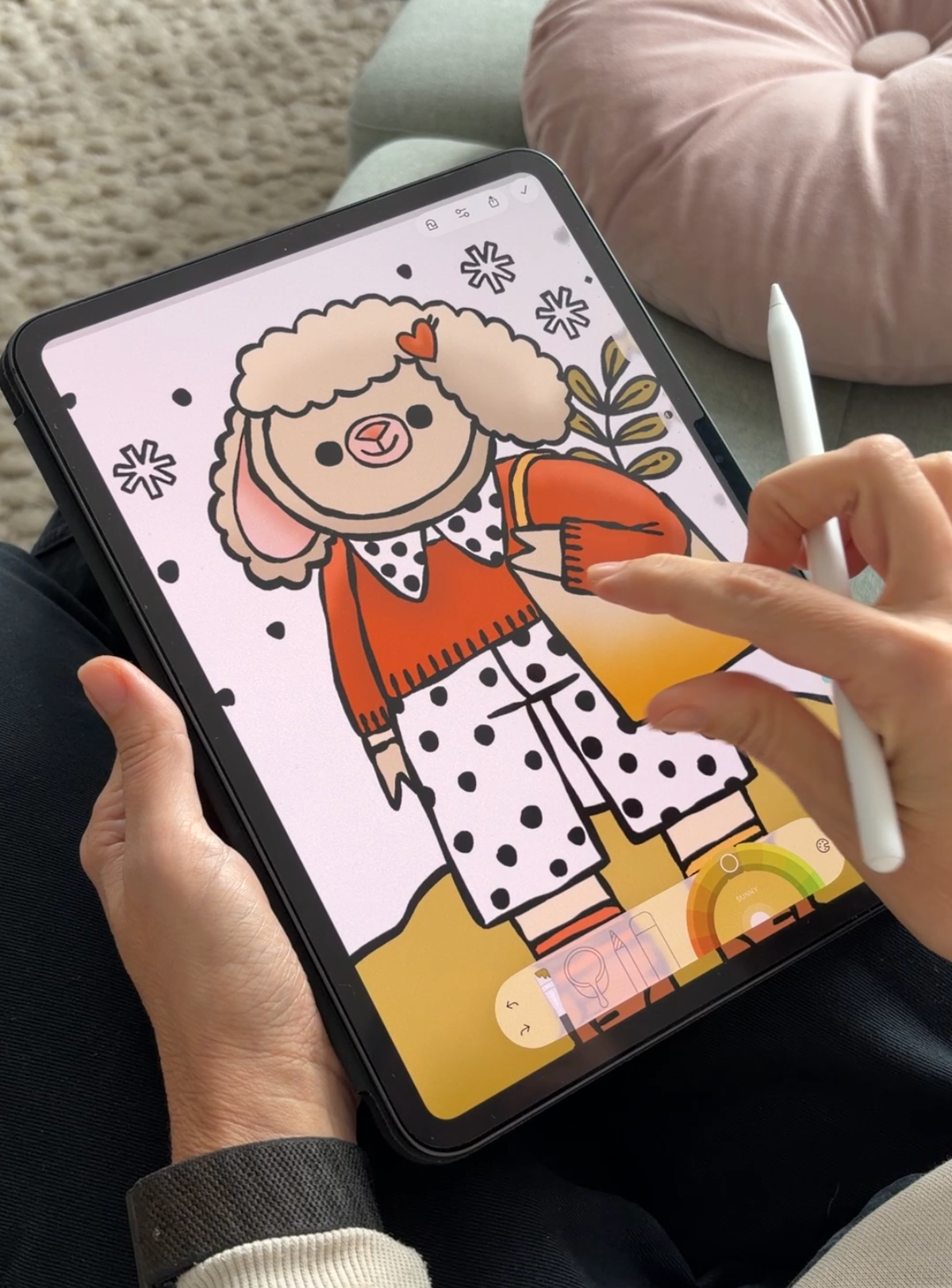
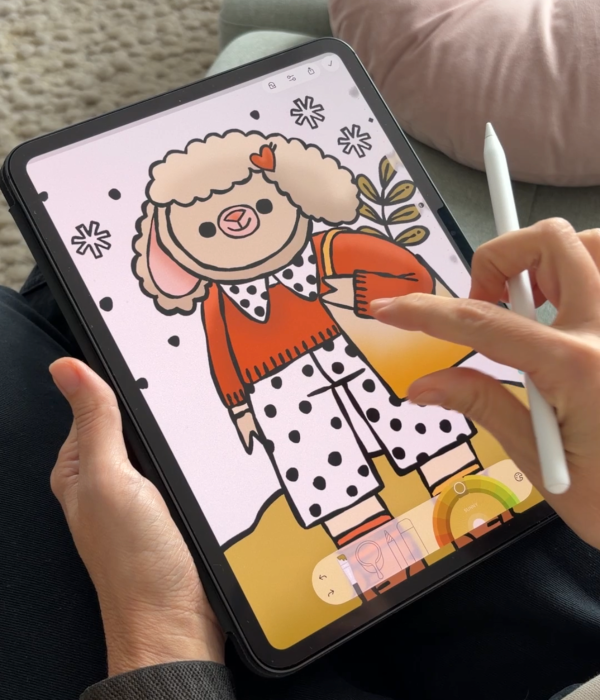
- iPad: long weekend sessions on the couch with an Apple Pencil
- iPhone Duo: folded for quick pages, unfolded when I want more room for details
It happens every year around the first cold evening in October. I light a candle, put on fuzzy socks, and suddenly I have zero (and I really mean ZERO) interest in plans after 7 PM. For me, cozy season starts then and lasts until the last cookie disappears in January.
The funny thing is that it's also the busiest time of the year. Deadlines, family dinners, catching up with everyone... So over the years I've looked for one relaxing thing I can do for five minutes on a hectic Tuesday or five hours on a slow Sunday.
That thing turned out to be digital coloring. If you're looking for a cozy, relaxing app for the holidays, this is the one I use on every device I own: Lake.
What is Lake, and why is it my favorite cozy season app?
Full disclosure: I work at Lake. I also use it on my days off, in pajamas, with a cup of tea, so take this as a recommendation from someone who'd use it either way.
Lake is a coloring app for adults, available only on iPhone and iPad. It has a library of coloring books illustrated by independent artists from around the world, and the artists share in the revenue from their books. There's no AI-generated art, which matters to me even more during a season that's supposed to be about giving.
During the colder months, I love picking seasonal coloring books, from autumn leaves and pumpkins to snowy villages, gingerbread, and winter animals. Lake usually brings a festive coloring book around the holidays too, which has become a little tradition for me.
Then there's the coloring journal. I pick a drawing based on how I'm feeling, select my emotions, and the app creates a color palette to match. By January, I have a whole visual diary of my holiday season, from the stressful December weeks to the slow, sleepy days between Christmas and New Year.
A few other things I use a lot:
- Tap to fill for lazy evenings when I just want to relax
- Recreate These feature when I need a bit of inspiration for colors
- Import Drawing to color my own sketches, or a blank canvas when I feel like drawing something myself
- Tutorials when I want to learn a new coloring technique
1. Lake on iPhone: best for quick coloring breaks
My iPhone is with me all the time, which makes it perfect for those tiny pockets of calm during a busy holiday season. Waiting in line at the market, sitting on the bus after work, or curled up in bed before I fall asleep.
On iPhone, I usually go for simpler drawings with bigger shapes, and I use tap to fill a lot. It's quick, satisfying, and I can finish a page in ten minutes. I also like coloring a quick journal entry before bed, just to check in with how my day went.
When I use it: commutes, waiting rooms, holiday travel, and the last ten minutes before sleep.
2. Lake on iPad: best for long, detailed coloring sessions
If my iPhone is for small moments, my iPad is for the big cozy nights. You know the ones: it's dark at 5 PM, it's raining (or snowing, if we're lucky), and there's nowhere I need to be.
The bigger screen makes such a difference, especially for detailed drawings. I can zoom into the tiniest snowflake or ornament and really take my time. Coloring with an Apple Pencil feels the closest to real coloring books, minus the sharpening and the mess on the coffee table.
The iPad is also where I like to try new things, like playing around with color palettes, following a tutorial, or importing my own sketches to color. And if you prefer coloring with one hand, there's One-Finger Pan and Zoom on iPad, which makes moving around the drawing really easy.
When I use it: weekend evenings, lazy Sunday mornings, holiday breaks, and any night with a festive movie playing in the background.
3. Lake on iPhone Duo: one app, two screen sizes
The iPhone Duo came out recently, right as cozy season kicked off. A phone that unfolds into a bigger screen is good news for anyone who colors, and Lake is one of the few apps that already works on both.
Folded, it works just like my iPhone: perfect for a quick page on the go or a journal entry before bed. Unfolded, I get a bigger canvas that feels much closer to coloring on an iPad, so I can switch to detailed drawings without reaching for another device.
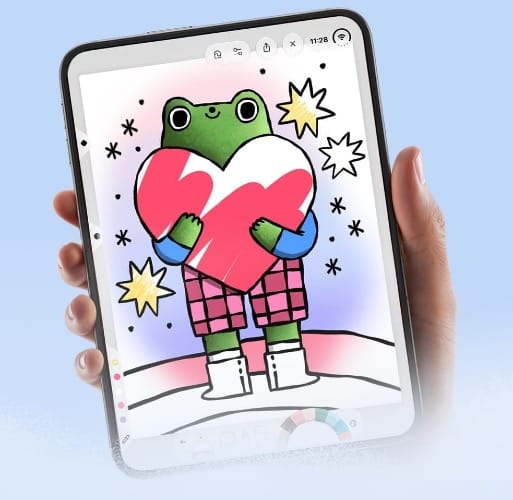
My favorite part is switching between the two. I start a drawing folded while I wait for my coffee, then unfold it on the couch at home and keep going with more room for the small details.
When I use it: anytime, really. Folded for quick breaks and travel, unfolded for cozy evenings when the iPad is in another room.
FAQ
What's the best coloring app for iPhone Duo, iPhone and iPad?
My pick is Lake. It's a coloring app for adults with coloring books drawn by independent artists, a coloring journal, and features like tap to fill, and, as little cherry on top, it won an Apple Design Award in 2017.
Does Lake work on the iPhone Duo?
Yes. You can color on the folded screen like on any iPhone, or unfold it for a bigger canvas.
Is Lake available on Android?
No, Lake is only available on iPhone and iPad - for now.
Is the art in Lake made with AI?
No. Every drawing in Lake is made by a human artist, and the artists share in the revenue from their coloring books.
Can I color my own drawings in Lake?
Yes. With Import Drawing, you can bring in line art from Files, Photos, or your camera, or start on a blank canvas.
A cozier season, one page at a time
Cozy season always goes by faster than I expect. Having one small ritual, even ten minutes of coloring before bed, makes the busy weeks feel a lot calmer.
So whether you color on your iPhone on the way home, on your iPad under a blanket, or on a brand new iPhone Duo, give Lake a try this October, November, December and January.
 Lake Coloring