



I've lost count of how many Reddit posts I've seen that go something like this:
"Just got an iPad, really want to try digital coloring, but I have no idea where to start."
Every time, I want to reply with a whole essay 😆
Because I know the feeling well. You open TikTok or Instagram to look for inspiration, and suddenly you're watching someone color a croissant by starting with purple, then blending in twenty-three shades of brown, adding pink highlights, and finishing with something that looks like it belongs in an art gallery. And you're sitting there thinking: okay, yeah. I'm never going to be able to do that 🙈
But here's the thing: you don't have to. You can start much simpler and still have fun with it.
I'm one of the cofounders of Lake, a coloring app for iPhone and iPad, but I'm also someone with no design or art background whatsoever, like most of our team, actually. If there's one thing I've learned at Lake, it's that anyone can color, even if you're sure you can't. Most of us just need a little encouragement.
So, if you're staring at your first blank coloring page and have no idea what to do, here's what I wish someone had told me when I started.
In short: to start digital coloring, choose an app made specifically for coloring, pick a simple drawing you love, use a ready-made palette with closed lines, color the base first, and don't compare your pages to anyone else's.
1. Choose a coloring app, not a drawing app
This sounds obvious, but it's the step most beginners skip. There are plenty of drawing and painting apps that can be used for coloring, with a few workarounds: you find line art somewhere online, import it, set up layers so your colors don't paint over the lines, and then figure out which of the 80 brushes you actually need. It can work great once you know what you're doing, but it's a lot when you're just starting.
An actual coloring app skips all of that. The drawings are already chosen and made for coloring, the lines are already set up and working perfectly, and you can start coloring within a minute of opening the app.
2. Pick a simple coloring page for beginners
There are more than 2,500 drawings in Lake, and every single one is made by a real human artist, not AI. There's nothing worse than finally getting into the flow and realizing you're coloring someone's sixth and seventh finger 😬
It can be tempting to go straight for the most detailed page you can find, but I'd save that for later. A drawing with lots of tiny sections can feel overwhelming on your first try. Try picking something you can finish in one sitting. That first finished page feels really good.
My personal recommendation? Start with something cute and cozy.
Cute and cozy coloring pages hugely popular in the coloring community for a reason: you can color them in a very simple way and they still look great, but there's also room to add details and shading once you feel more comfortable.

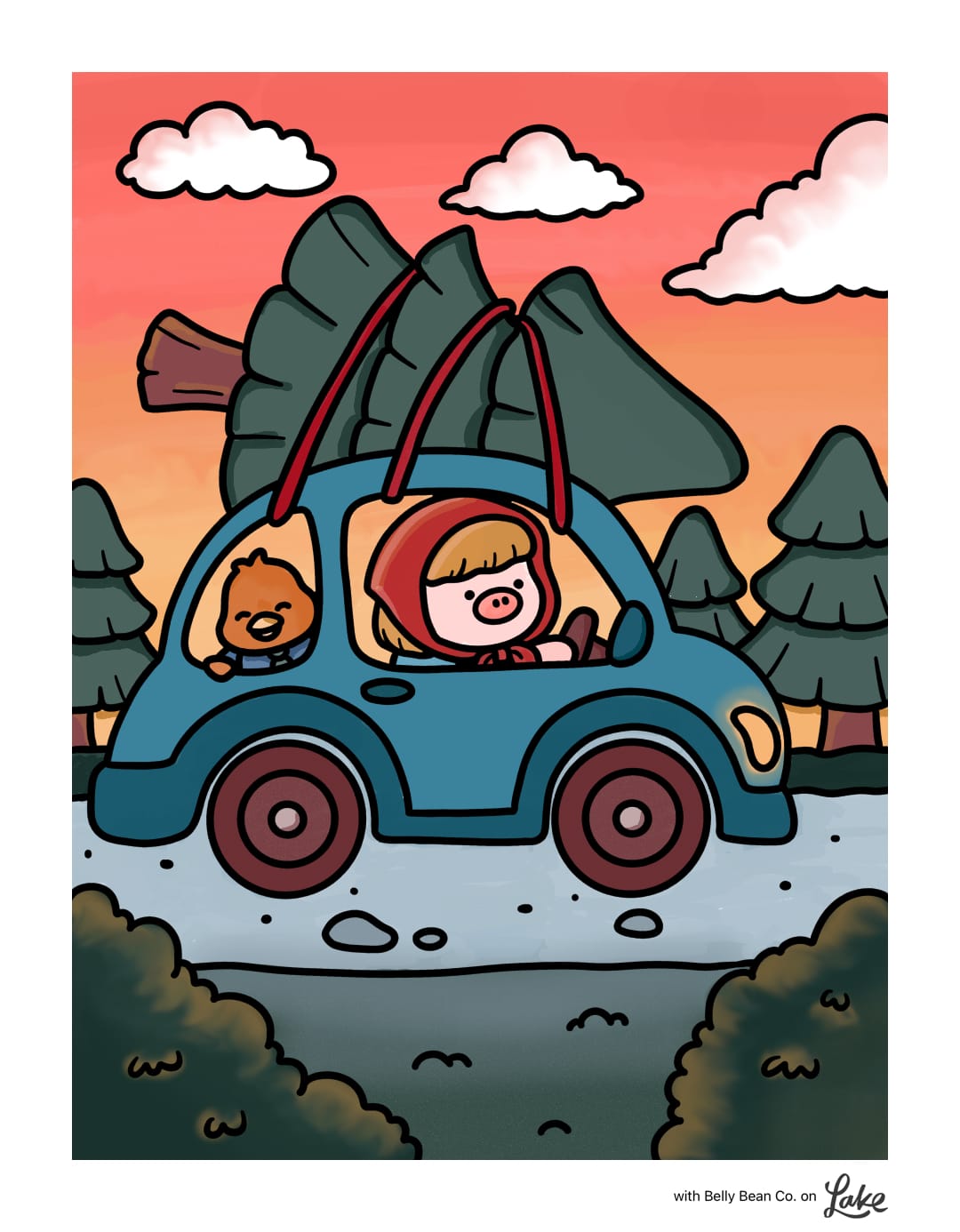
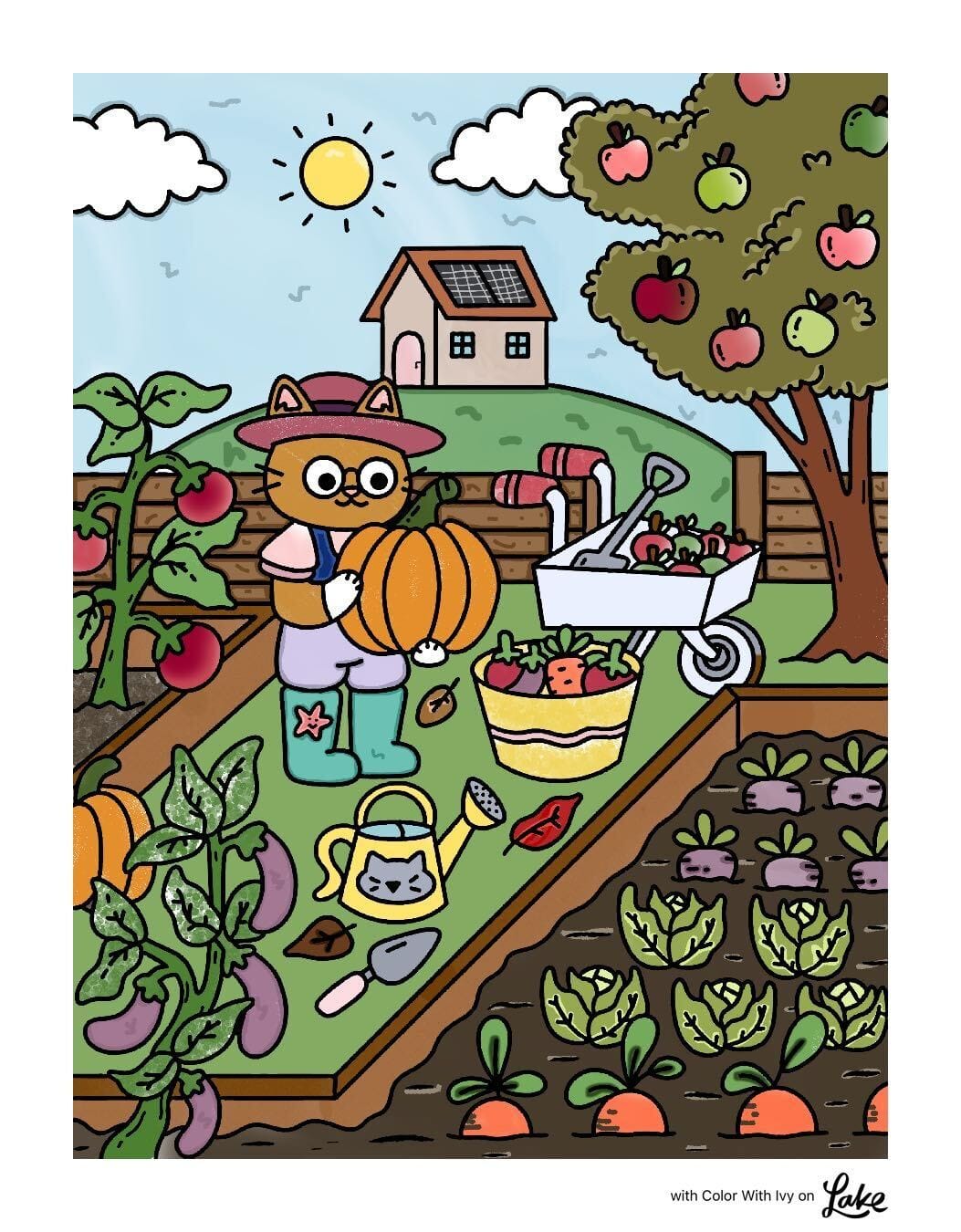
Cute, cozy, and beginner-friendly: some of my go-to pages in Lake. Artwork by Yetitia Illustration, Belly Bean Co., and Color with Ivy
They're also just cheerful. A little cat in a sweater that reminds me of my own furry friend or a tiny café scene puts me in a good mood almost every time. And it's not just about the mood boost of a cute drawing. Research suggests coloring can support relaxation and well-being. I wrote more about the studies in Active vs. Passive Screen Time.
3. Keep it simple: one palette, closed lines, one brush
This is where most beginners overcomplicate things. It literally took me years to realize that, so here's my starter setup to help you get there sooner:
- Use one of the predefined palettes
Less is more. Picking colors from scratch is one of the hardest parts of coloring, and a ready-made palette takes that decision off your plate. - Keep the lines closed.
In Lake, you can color with the lines open or closed. With closed lines, the color stays within the borders, so you don't have to worry about going over the edges. It makes coloring so much easier when you're starting out. - Choose between the bucket tool and one simple brush.
Tap-to-fill (the bucket) is the easiest way to start: tap a section and it's filled. If you want a bit more of a hand-colored feel, try a simple brush like the acrylic marker.
4. Zoom in to color the small details
This one sounds obvious, but it makes a big difference. A lot of beginners try to color everything at full view and get frustrated when small areas are hard to hit. Zoom in, color the detail, zoom back out.
If multi-touch gestures are difficult for you, Lake also has One-Finger Pan & Zoom on iPad.
5. Don't worry about mistakes - digital coloring is easy to undo
This is the biggest difference from paper. If you don't like a color, undo it. If you don't like the whole page, start over. You can't waste a page, ruin your markers, or run out of anything. It took me a while to stop being so careful, but once I did, I started enjoying it so much more.
6. Color the base first, then add shading and details
Don't try to do everything at once. Fill in the base colors first, and once the whole page has color, go back and add some shading or simple patterns if you feel like it.
Even just adding a bit of shadow to one side makes a drawing look so much more finished. There are video tutorials right inside Lake, and we also have a guide to digital shading if you want to try it. But there's no rush, flat colors are completely valid too.
7. Don't know how to start? Color along with the artist
If you open a drawing and just freeze, you're not alone. That's exactly why we built Recreate. For select drawings, you can see how the artist colored their own illustration right next to your blank page. You can try to recreate it as closely as possible, or just glance at it once in a while for inspiration. Either way, it takes the pressure off.
8. Do you need an Apple Pencil for digital coloring?
No, you don't need an Apple Pencil to start digital coloring. A finger works perfectly well, especially with tap-to-fill. A Pencil gives you more precision once you start using brushes and shading, but I'd start with what you have and see how you like it. I compared both in more detail in Apple Pencil vs. Finger.
9. Don't compare yourself to others
Remember those TikTok videos I mentioned in the beginning? Try not to use them as a benchmark for your own coloring. Coloring isn't really about the end result. It's about that half hour when your mind goes quiet and you're just choosing colors.
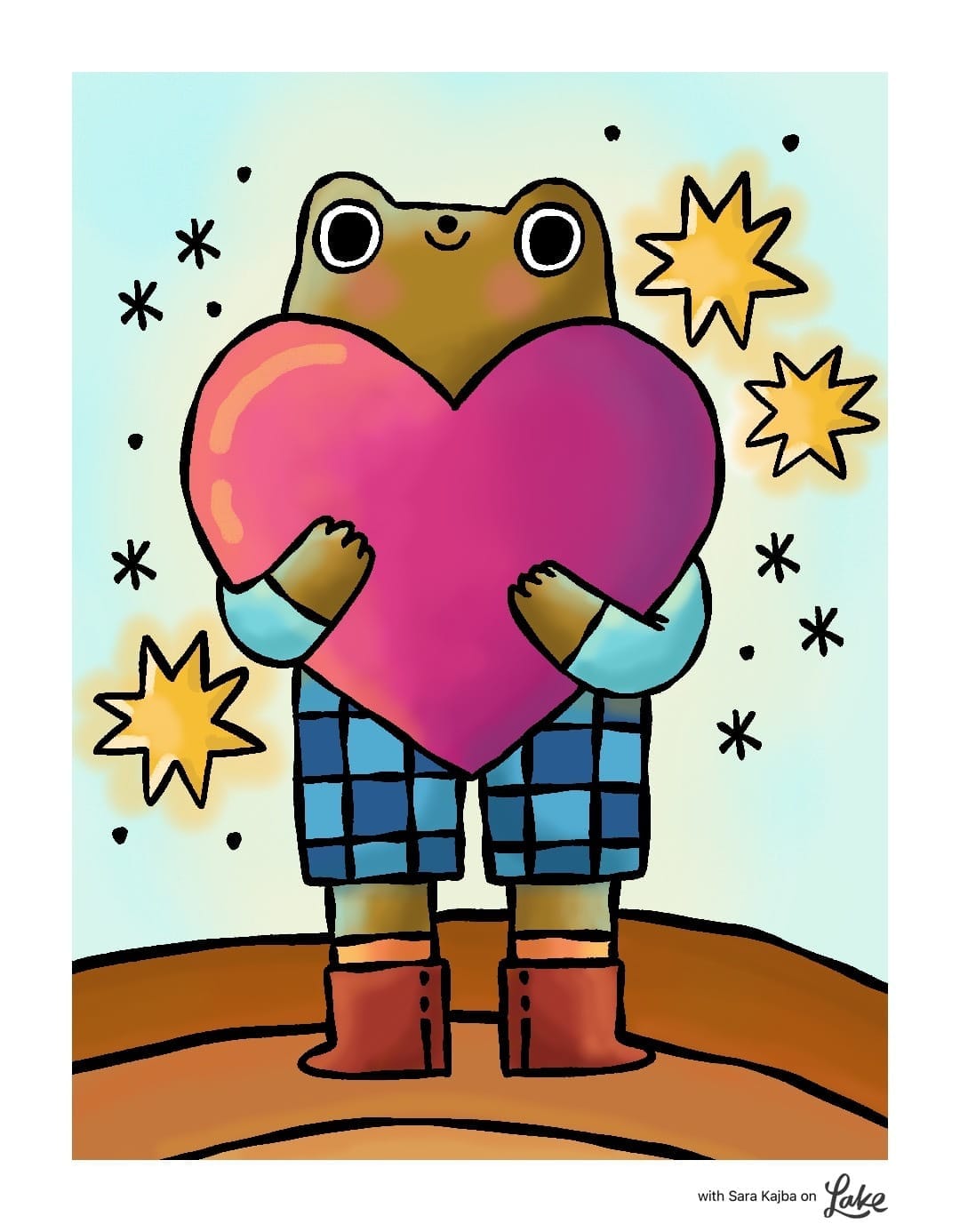
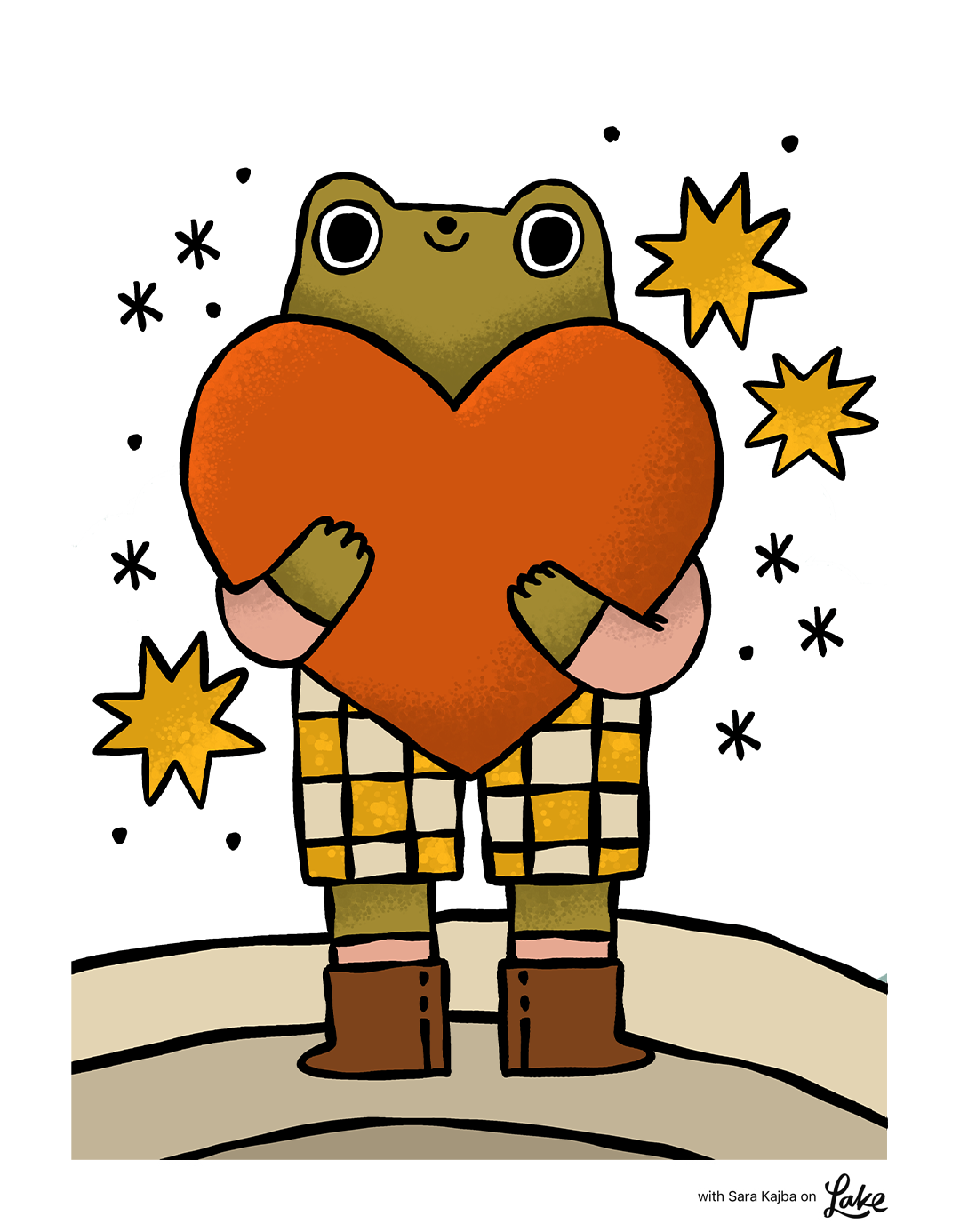
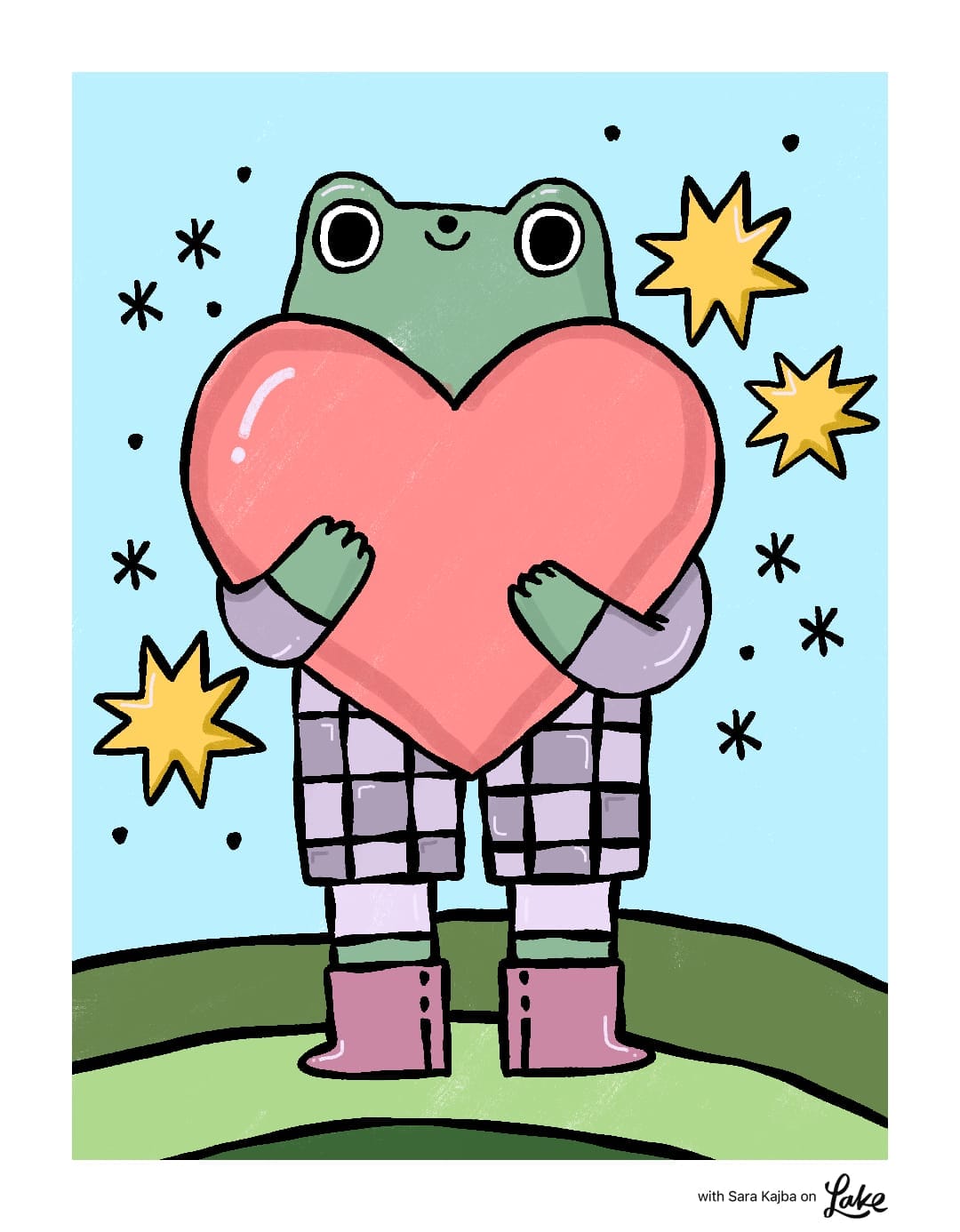
Ain illustration by Sara Kajba, colored by employees of Lake.
Some of my favorite coloring sessions ended with pages I'd never show anyone, and that's fine. Coloring is good for you whether your page ends up looking perfect or not.
So pick a cozy drawing, choose a palette, and just start. I promise you'll enjoy it!
Ready to color your first page?
FAQ
What is digital coloring?
Digital coloring means coloring illustrations on a screen, usually an iPad or iPhone, instead of on paper. You use your finger or an Apple Pencil to fill in line art with digital brushes, markers, or a tap-to-fill tool. It works like a coloring book, with extras like undo, zoom, and unlimited colors.
Do I need an Apple Pencil to start digital coloring?
No. You can color with your finger, and tap-to-fill works great without a Pencil. An Apple Pencil gives you more control once you start using brushes and adding shading, but it's not necessary to start. Many people color with their finger for years and love it.
Can I color digitally on an iPhone?
Yes. Coloring apps like Lake work on both iPhone and iPad. The iPad gives you a bigger canvas, which helps with small details, but an iPhone is perfect for short sessions on the go, and zooming in makes smaller areas easy to color.
What's the best coloring app for beginners?
Look for an app built specifically for coloring, with ready-made drawings, tap-to-fill, predefined palettes, and an option to keep color inside the lines. That way you can start right away without setting anything up. I'm a cofounder of Lake, so I'm biased, but that's exactly what we designed it for.
Is digital coloring easier than coloring books?
For many beginners, yes. You can undo any mistake, zoom in on small areas, and you never run out of colors or supplies. Features like tap-to-fill and closed lines also help your coloring look clean from the very first page.
What should I color first as a beginner?
Start with a drawing you genuinely like that isn't too detailed. Cute and cozy illustrations are a great first pick: they look good with simple flat colors, and you can add more details later as you get comfortable.
How do I choose colors that go well together?
The easiest way is to use a predefined palette, where the colors are already chosen to work together. You can also look at how the artist colored the drawing (in Lake, through the Recreate feature) and borrow their color choices.
Do I need art skills to start digital coloring?
Not at all. The drawing is already done by the artist, and your job is just to bring it to life with color. You can stay with simple flat colors forever and still enjoy it, or learn shading step by step if you want to.